
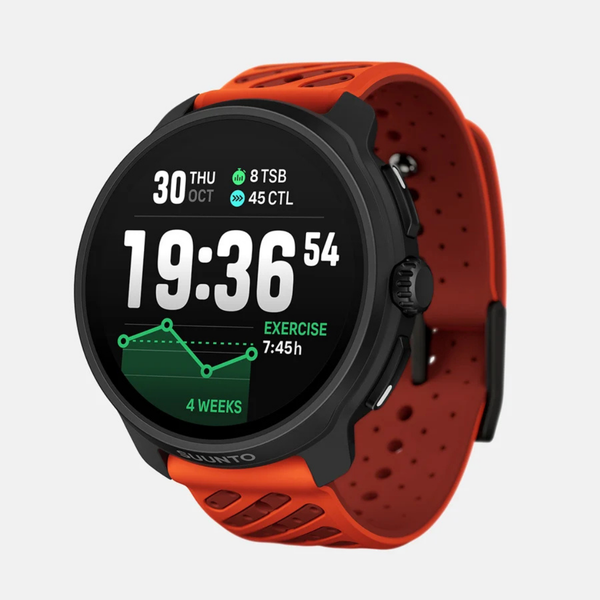


Software Updates - Suunto Nautic S
Enjoy the convenience of over the air software updates via Suunto app so that your Suunto Nautic S always has the latest and greatest software.

Over the air software update
When an update is available and your watch is connected with Suunto app, the software update will be downloaded to the watch automatically.
Once the software is downloaded to your watch, the watch will update itself during the night as long as the battery level is at least 50%.
If you want to install the update manually before it happens automatically during the night, navigate to Settings > General and select Software update.
RELEASE NOTES
2.51.10
Staged update starting on February 13th 2026
This update brings new features, improvements and bug fixes.
New Dive features:
- Tide widget
- Customization of switchwindow and arches for dive modes
- Dynamic depth graph to dive summary Option to configure a stopwatch to dive views
- Possibility to link two tank pods to same gas If two tank pods are linked to same gas, the tank pressure field will show two tank pressures during dive
- Option to set a pressure difference alarm when diving sidemount
- Support for new dive watch face (available in Suunto app)
Improvements and bug fixes:
- Localization fixes
- Snorkelling max depth was missing from summary
- Algorithm deviation icon not showing on screen after software crash Issues with surface time arch
- Reduce the time of the no-fly icon
- Tank pod icon showing in pre-start view even if offline
- Issues with wifi and maps download
- Memory optimization
- Bearing didn’t clear after exiting Scuba dive
- Adding e-labels for certification
- Improvement to tank pressure arch
- Surface time sometimes showing wrong values
- Transition optimization in menu items